
Choose an observable goal
Write a specific action: explore one marked area, learn a weapon’s basic attacks or organise a farm building. “Get better” is difficult to check off; a concrete experiment gives the next session a starting point.

Write your own achievements and check them off. These are personal to you—not official publisher trophies or automatically synced game progress.
Only your own checklist labels and completion state are stored. PlayNorio does not claim access to Steam, PlayStation or Xbox achievements.
A useful personal milestone describes something you can do or learn. It can be much smaller than finishing a game and does not need to match a platform achievement.
Write a specific action: explore one marked area, learn a weapon’s basic attacks or organise a farm building. “Get better” is difficult to check off; a concrete experiment gives the next session a starting point.
Use a handful of active milestones and check them off yourself. The tool allows up to 15 goals per game, but a long list can turn leisure into administration. Delete a goal when it no longer serves you.
Look at what you completed, then decide what comes next. Goals are personal records, not evidence that you earned a Steam, Xbox or PlayStation trophy, and the website does not verify in-game progress.
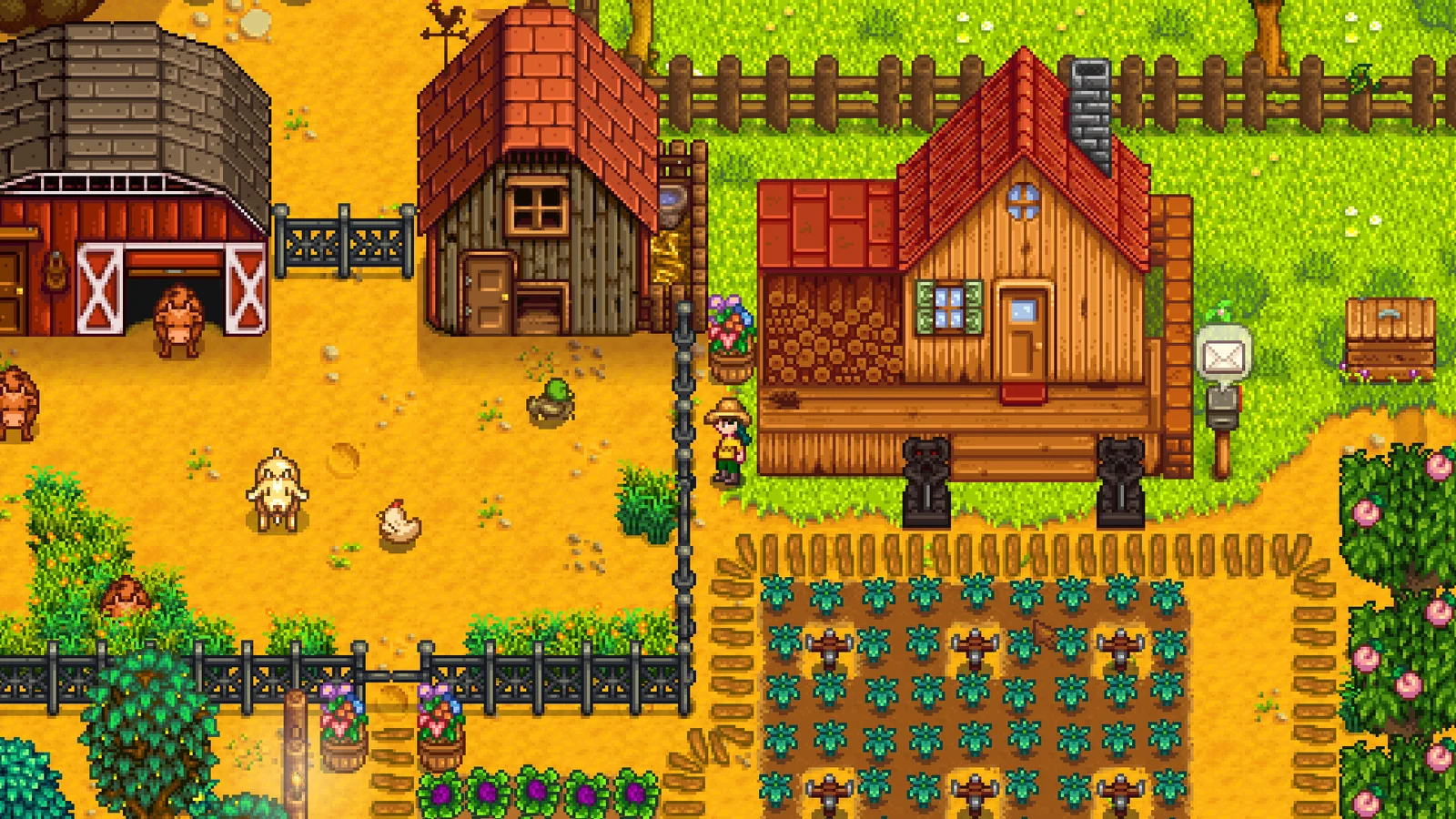
A farm, a town and a collection of personal projects. Try a small goal you can return to next session.
Read the game guide →
Physics puzzles built around observation and experimentation. Keep a note of a puzzle idea rather than a completion target.
Read the game guide →
Exploration and demanding encounters with different ways forward. A useful goal might be exploring a region rather than beating a boss.
Read the game guide →Goal Lab lists your saved games. Save a title below or from a game profile, then choose it here. You can keep separate checklists for different games.
Remove the old wording and add a replacement. Completion checkboxes and deletions update the browser-local journal; export a full journey backup if you want a separate copy.
Plan small milestones and keep your gaming journal useful.
Organise your backlog →You can set personal goals without claiming any external playtime data is independently verified.