
Keep the backlog small
Mark games as Want to play, Playing or Completed. A shorter active list makes it easier to choose a session. Removing a game from the saved list does not mean your earlier thoughts were wrong.

Make your game collection personal. Track what you play, record sessions, save notes and build your own achievement-style goal lists. Everything stays in your browser.
Choose a saved title to add your rating, personal notes and custom goals.
Record real sessions you've played. These are your entries, not automatically tracked hours.
Privacy: your journal is stored only in this browser. It does not sync between devices. Export regularly; restoring from a backup updates the matching games. A browser reset can erase local data.
PlayNorio stores save and progress preferences only in your browser. Clearing site data or changing devices will lose them unless you export a backup. Import restores known games from a previous PlayNorio export; it does not contact a server.
Start with a few games you care about. Saving is an explicit choice, and every note, rating and session entry belongs to your own browser.
Mark games as Want to play, Playing or Completed. A shorter active list makes it easier to choose a session. Removing a game from the saved list does not mean your earlier thoughts were wrong.
A private note can capture the route you were exploring, a character build or the next thing to try. Log minutes only when you want a personal record; PlayNorio does not read platform playtime.
Use the full journey export before clearing browser data or changing devices. The simple collection export preserves saved titles and status; the full journey backup also includes notes, ratings, sessions and goals.
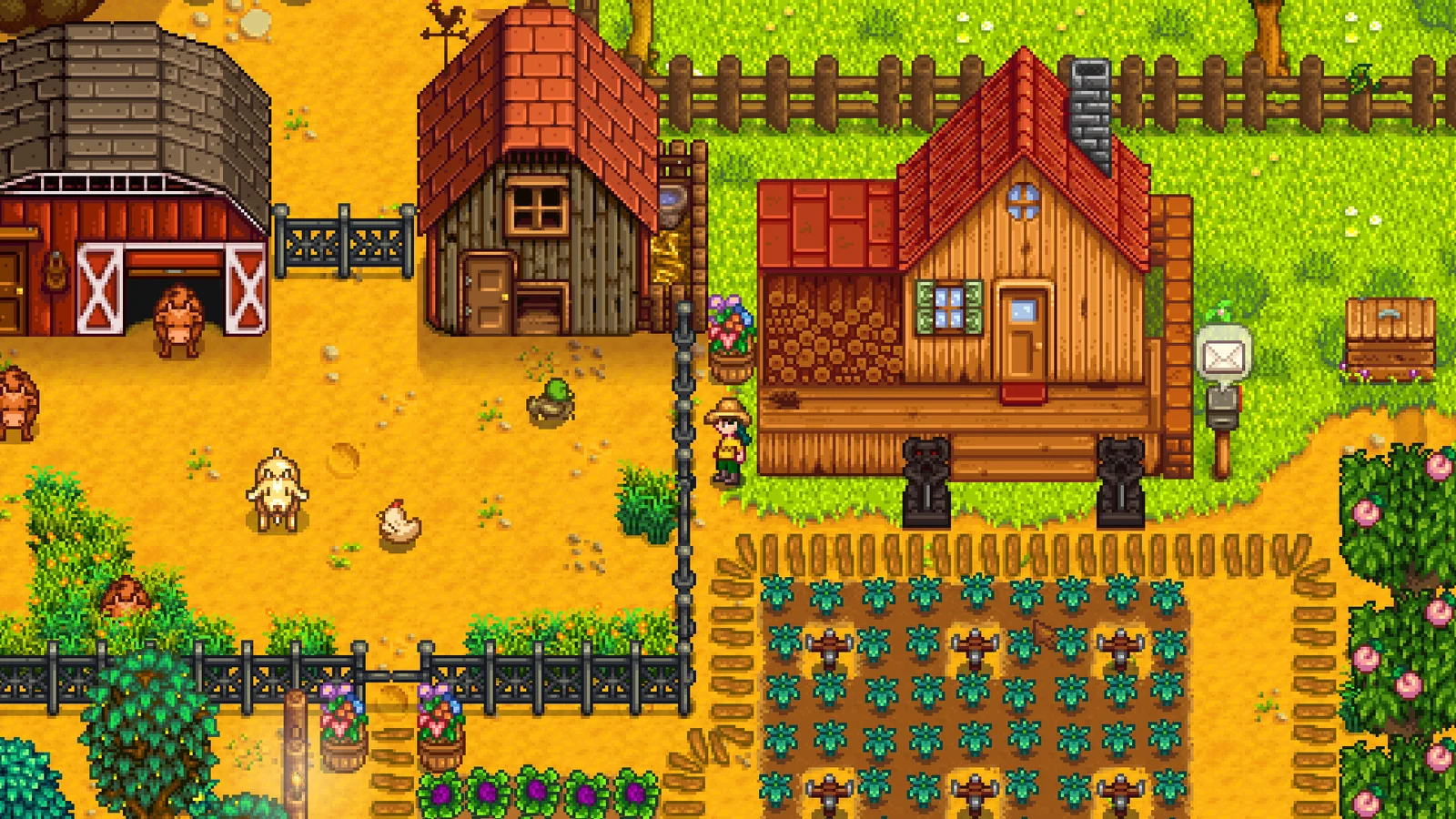
A farm, a town and a collection of personal projects. Try a small goal you can return to next session.
Read the game guide →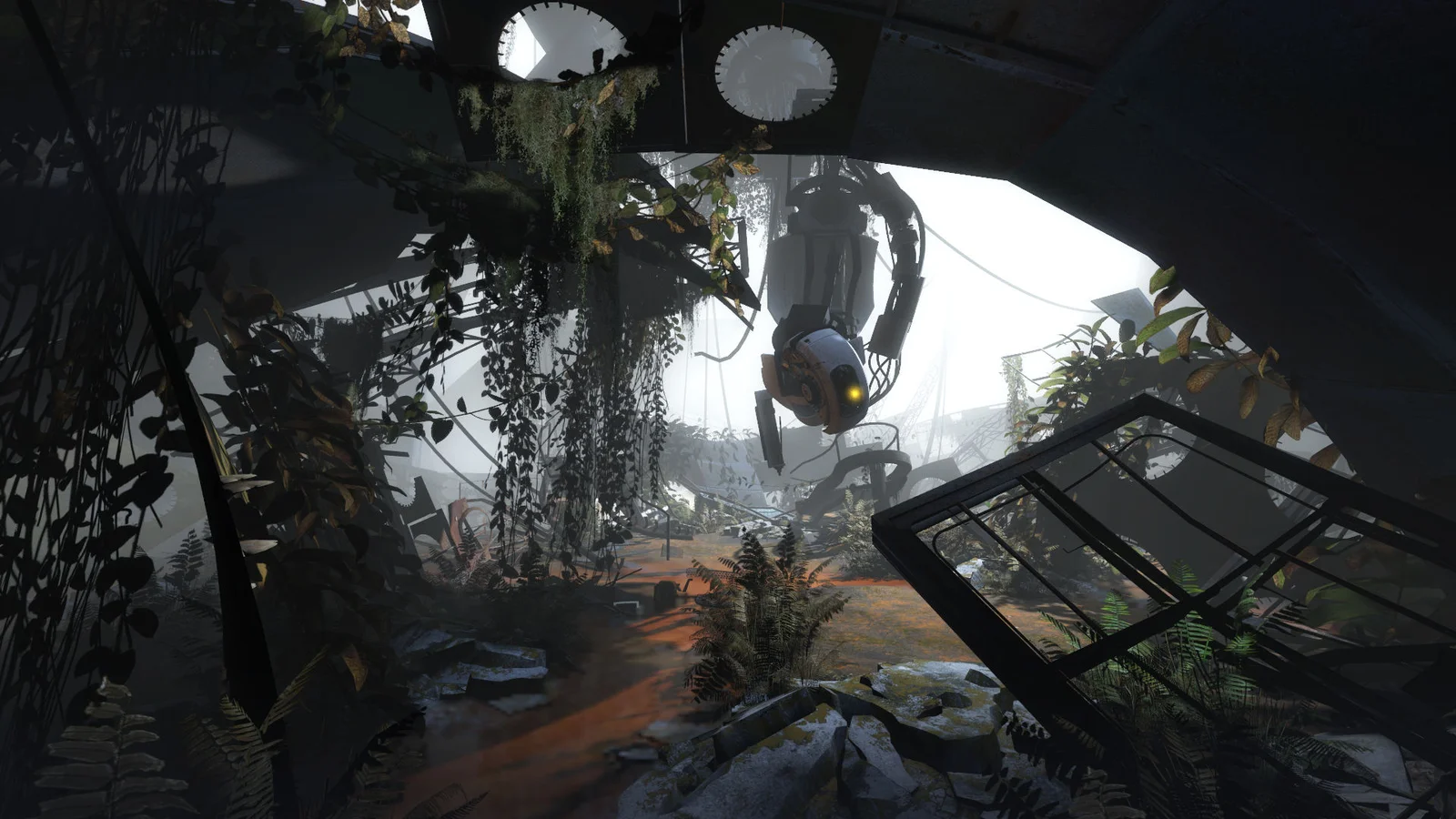
Physics puzzles built around observation and experimentation. Keep a note of a puzzle idea rather than a completion target.
Read the game guide →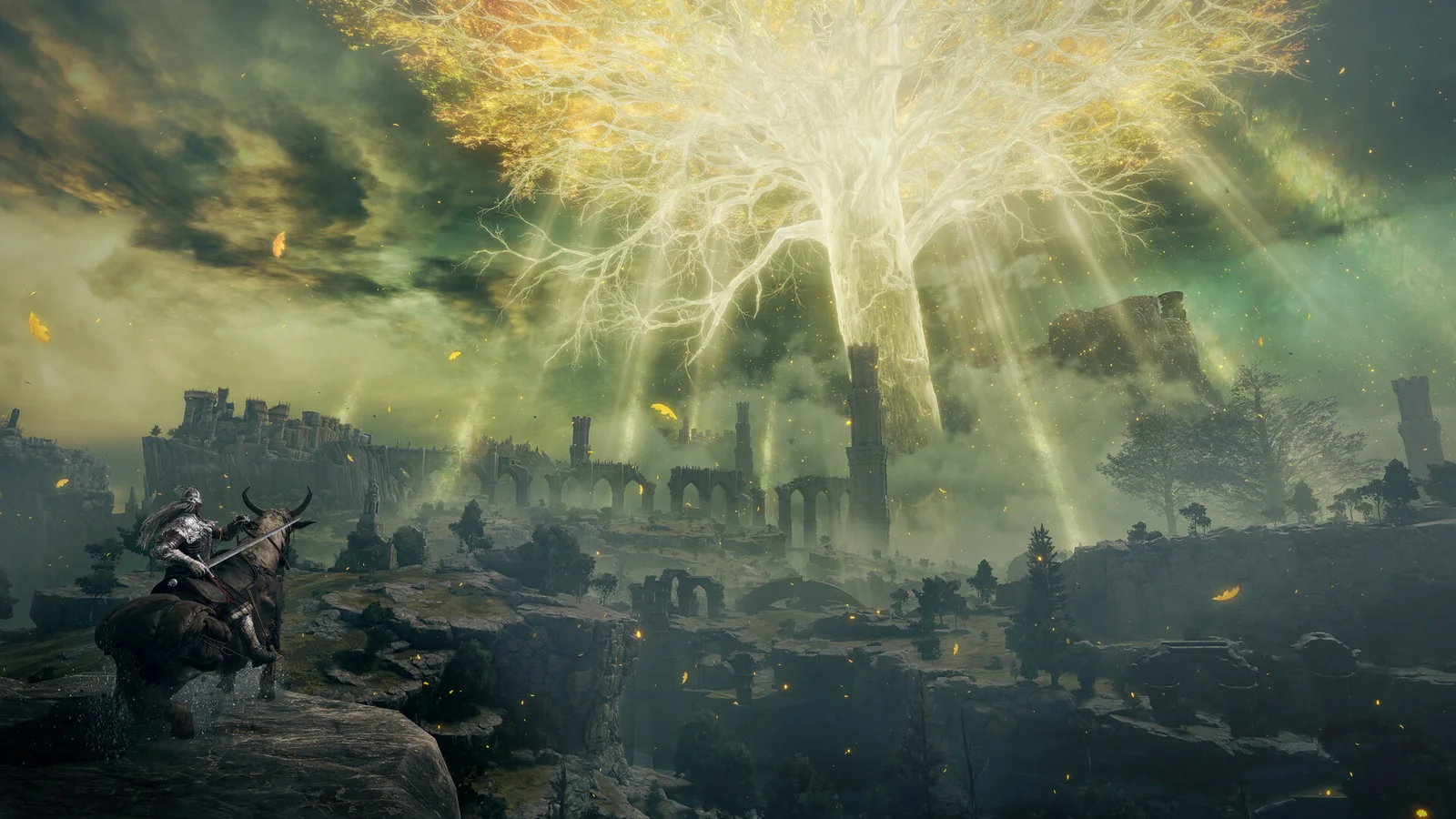
Exploration and demanding encounters with different ways forward. A useful goal might be exploring a region rather than beating a boss.
Read the game guide →In browser storage on this browser and device. There is no account synchronisation. Private-browsing sessions and clearing site data can remove it, so export a backup when your records matter.
This update uses the existing collection and journal keys. Restoring a full backup updates recognised titles after you confirm the restore. Keep an untouched backup if you want to compare the result.
Your browser-local collection is separate from game save files; export a JSON backup periodically.
Backlog and backup guide →Your saved collection is private to this browser. Use the guides to make a practical plan for what to play next.