
Official game update trailer
Minecraft — Spring to Life Official Trailer
Source: Minecraft / Mojang Studios. Video belongs to the rights holder; edited promotional footage should not be mistaken for an unedited game session.

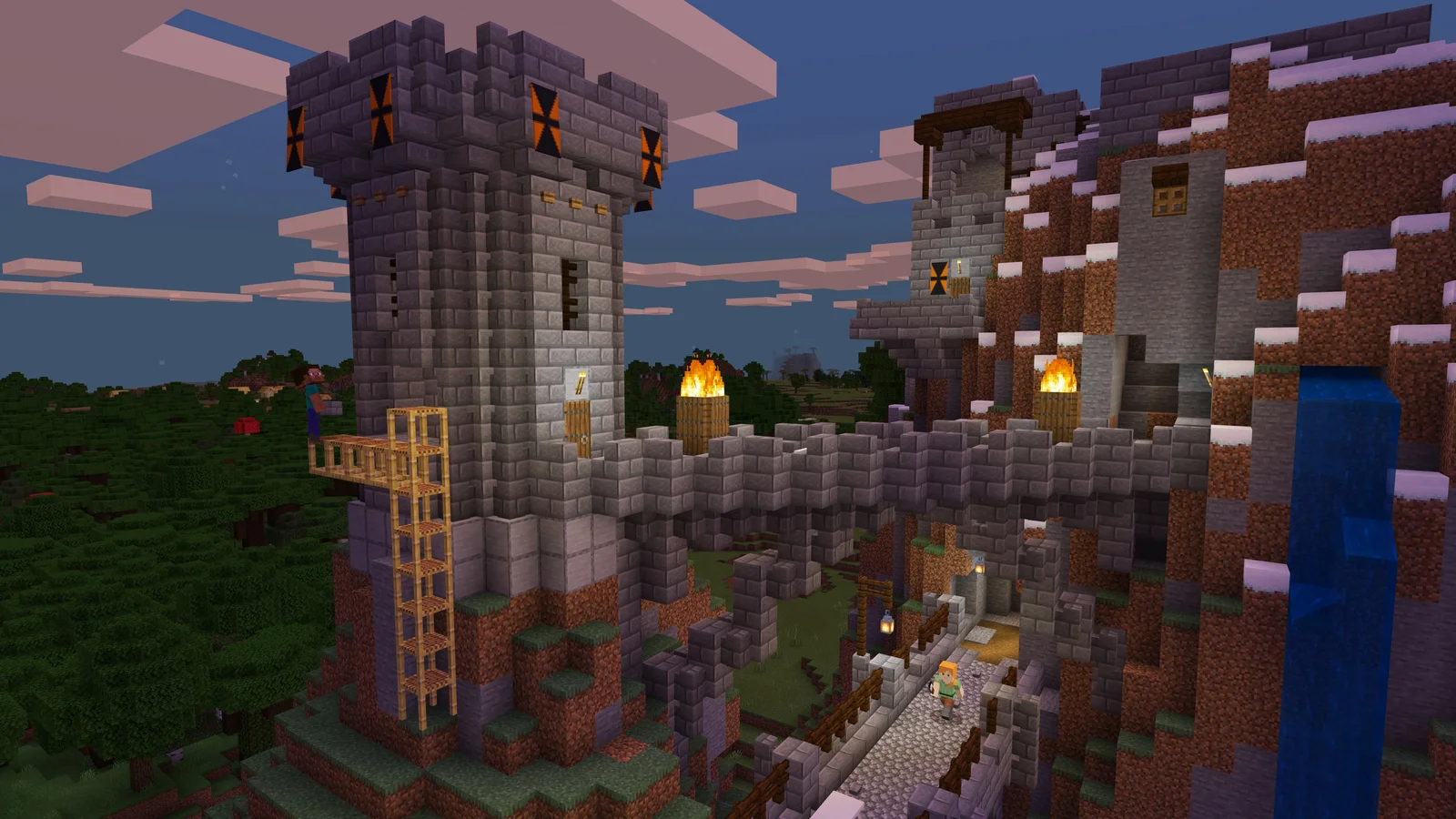
Minecraft gives you a world of blocks and asks what you would like to do with it.
PlayNorio / from the source
Hand-picked videos matched to this game or edition. Official trailers and gameplay, organised for quick viewing. Click Play to load YouTube, or use the direct publisher link.
1 publisher-attributed video · Playback availability varies
Official game update trailer
Source: Minecraft / Mojang Studios. Video belongs to the rights holder; edited promotional footage should not be mistaken for an unedited game session.
PlayNorio is independent and not affiliated with the video creator. Preview images use game artwork rather than video frames. Third-party YouTube playback loads only after you choose Play. Embedding and playback availability are controlled by the video owner and YouTube.
Minecraft gives you a world of blocks and asks what you would like to do with it. Survival connects gathering, crafting and shelter to the challenge of staying alive, while Creative lets building become the main activity. Exploration, construction and personal projects can all provide direction. The name also covers distinct editions, so deciding whether your friends use Java or Bedrock is a practical first step before arranging a shared world or following an edition-specific tutorial.
Open an image for a closer look. Source and edition details are linked below each image.
Images belong to their respective rights holders. Commercial reuse review is pending.
Survival and Creative support different moods. If your interest is architecture or learning how blocks fit together, begin with a modest Creative project and concentrate on shape, scale and materials. If you prefer a sense of discovery and resource decisions, give a Survival world a small initial goal. Neither approach needs to become a race toward a supposed final checklist. Minecraft's sandbox format leaves room for a personal project to become the reason you return.
A huge imagined city can be difficult to start. Pick something concrete, such as a compact house, a bridge or a marked route between places you use. Break it into a foundation, a usable shape and a final detail pass. In Survival, keep the project's resource needs in view; in Creative, use the freedom to try alternatives before committing. The useful habit is to make your work easy to understand when you return, rather than expecting every first attempt to look like a showcase build.
Java and Bedrock are different editions with their own platform and multiplayer arrangements. Check the edition name on each player's installation and use Mojang's current help pages for the appropriate server or Realm instructions. A tutorial for a modification or a custom server should state its edition and version. This profile does not imply that every mod or shared world works across both editions. Confirming compatibility first can prevent a planned building session becoming an installation problem.
Editorial suggestions based on the systems described above. These are starting ideas, rather than a claim of hands-on testing or advice for a particular patch.
Mojang describes Minecraft as a sandbox without an official end; you can choose goals around exploration, building and survival.
They are distinct editions. Use the official edition and multiplayer help for your devices instead of assuming that mods, servers and worlds work identically.
Minecraft’s crafting system links a recipe to the materials in your inventory. A crafting table opens up a larger recipe grid, while the recipe book helps you see what an item needs. That makes a stalled project a useful question: which ingredient, tool or journey is actually missing?
Try planning one small supply trip before leaving your base. Choose the item you want to make, check its ingredients and leave room for what you expect to collect. Mark the return route in a way you recognise. Bring the materials home and finish the item before adding another build to the list.
Creative and Survival offer different conditions for experimenting. In Creative, you can explore a building idea without turning every revision into another gathering trip. In Survival, the material cost becomes part of the project. Neither approach is a more legitimate way to enjoy the same world.
For an unfamiliar roof, staircase or room shape, build a small sample before expanding it. Compare the silhouette from the ground rather than only from directly above. Once the shape works, count the main materials and choose a manageable first section. The useful milestone is a completed piece you can extend, rather than a huge foundation you no longer want to finish.
Read its ingredients and check which crafting grid it uses. Having some of the right materials is different from having the complete recipe ready in the appropriate place.
Try changing one feature first: a better entrance, a clearer storage area or a new roof. A small redesign can teach more than abandoning a world whose routes you already understand.
Use the publisher or developer listing for current screenshots, trailers and product details. No video is embedded here without a title-specific source record.
The factual foundation for this profile comes from the first-party pages below, checked on 31 October 2026. The explanation and practical suggestions are PlayNorio’s editorial interpretation. Availability, service features and platform support can change.