

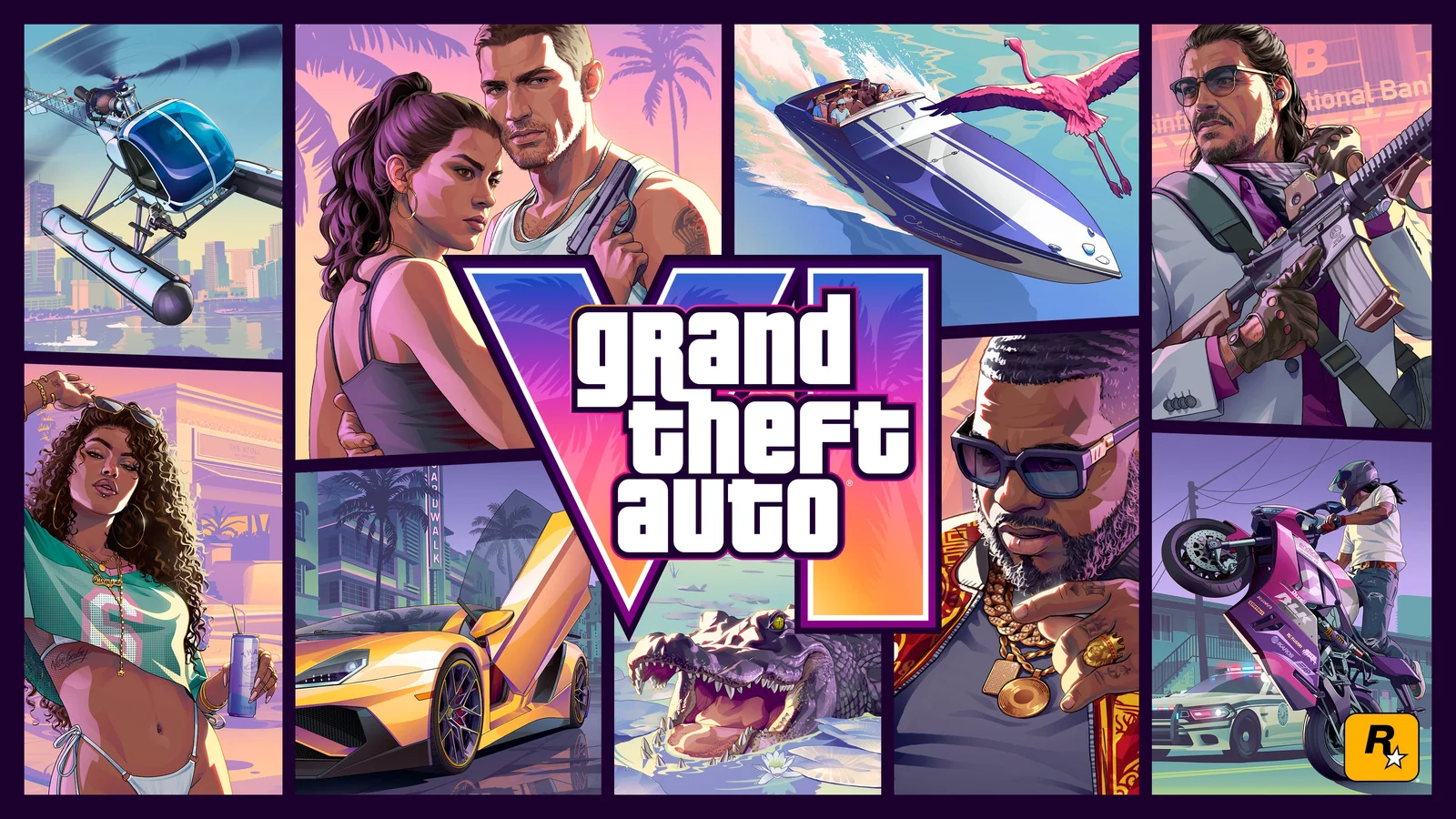
- Rockstar lists PlayStation code regions and advises matching the product region to the account region.
- The same support article describes Xbox digital codes as not region-locked.
- GTA VI is scheduled for PS5 and Xbox Series X|S at launch.
01Start with the account, not the checkout
Before comparing sellers, open the account you use on your console and confirm the region tied to it. This matters particularly for PlayStation, where Rockstar lists different code regions for United Kingdom, North America, Japan and other territories. A low-looking price from another region is not useful if your account cannot redeem the code. The official Rockstar support page is the safer reference than marketplace listings.
02Treat platform, edition and region as separate checks
A listing can get one detail right while another is wrong. Confirm you are buying for PS5 or Xbox Series X|S, which version you want, and whether the code or digital purchase matches the account region. Check any retailer wording about redemption, availability and refunds before clicking purchase. This is especially important with third-party resale listings.
03Digital versus code-in-box
Rockstar explains that the physical retail version supplies a download code, not a game disc. That means choosing a boxed edition does not eliminate digital redemption or storage requirements. If you plan to buy a physical copy as a gift, the recipient’s store region should be checked before purchase rather than after they unwrap the box.
04A sensible final checklist
Use official platform stores or established retailers, verify the exact account region and retain your receipt. Do not share account passwords to have a seller “activate” a game for you. If the retailer’s region details are unclear, choose a listing that makes them explicit or contact the retailer before ordering. PlayNorio does not sell keys or guarantee outside offers.
Source, scope and corrections
This is independent PlayNorio guidance, not an affiliated Rockstar publication or a reproduction of the source. Any future changes to release dates, store terms and technical details should be checked on the primary source before making a purchase.
Open first-party reference ↗Source checked: 29 October 2026. If the publisher updates its terms or announcements, the primary page takes precedence.